Get your Apify key
Apify needs a paid plan. A free-plan key is rejected, even though the key itself works.
Put the account on a paid plan
Sign in at console.apify.com. In Billing → Subscription, upgrade to Starter or higher. The plan renews on its own each month.
Keep an eye on the monthly usage limit, in Billing → Limits. When the account reaches it, everything that runs on Apify pauses until the next billing period — or until you raise the limit.
The limit is also your spending cap, so raise it only as far as you're comfortable paying. If the plan lapses or the limit is reached, you get a notification.
Copy your API token and paste it in
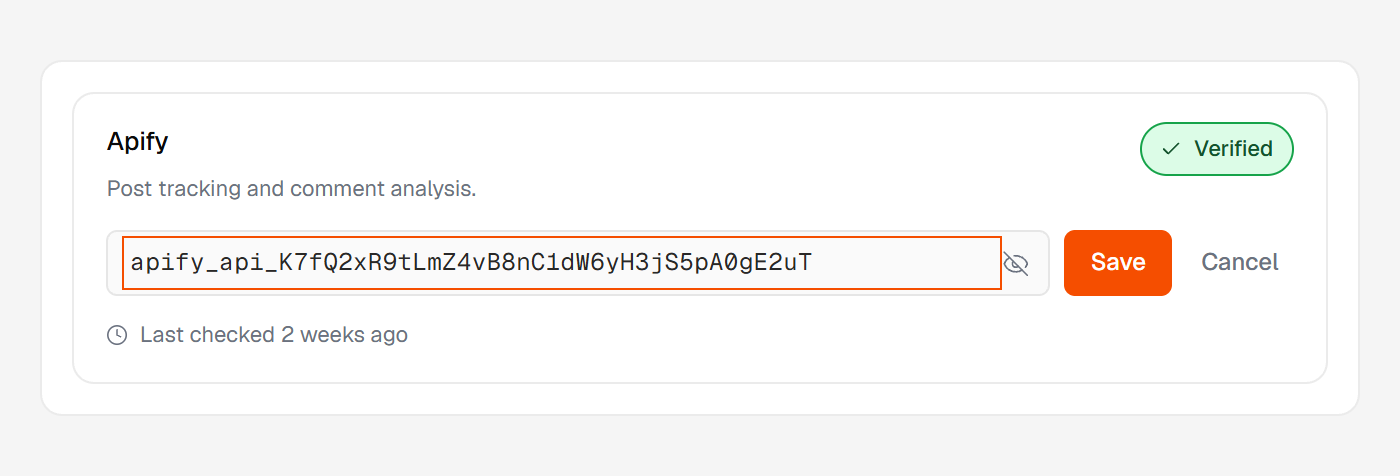
Go to Settings → API & Integrations, copy your personal API token, then paste it into Huntit and save.
Why a free key is rejected
A free-plan key is a real key, but the account behind it can't do the work. Rather than accept it and let things fail quietly weeks later, setup refuses it at the paste.
The note under the field says the account is on the Free plan, so the key wasn't saved, and asks you to upgrade to Starter and paste the key again.
What every other message under that field means is in reading your key states.