Members — inviting and removing teammates
The roster lives in Settings → Members & roles.
Inviting and removing teammates is a permission your owner grants: Manage members, which managers hold by default. Everyone else except a viewer can see the roster but not change it.
Inviting a teammate
Select Invite member and send the form.
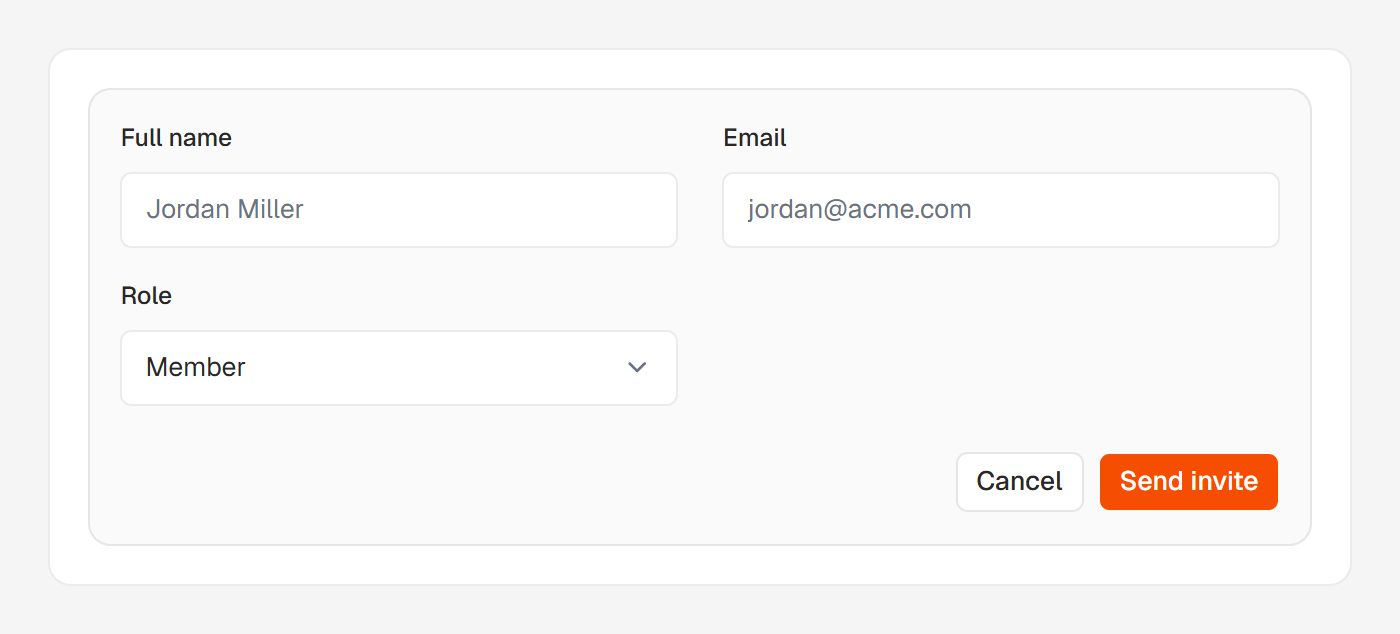
Sending it creates the seat immediately and emails them that it's ready. The email links to your portal's sign-in page and doesn't expire.
They sign in at /login with that email and a 6-digit code sent to it. There are no passwords; signing in covers the rest.
They see everything you track. What they can change depends on their role: roles and what each can do explains the four and the permissions behind them.
You can move someone to a different role later from the ⋯ menu on their row.
If the email doesn't arrive, or the address is wrong
The seat works whether or not the email arrives: they can always sign in at /login. If sending fails, the message after you invite says Their welcome email didn't send.
If they can't find the email, invite them again: for someone already on the roster, that re-sends their sign-in email.
If you mistyped the address, remove that member, then invite the right one. The mistyped seat is live until you do.
Removing a teammate
Choose Remove member in the ⋯ menu on their row. It takes the same permission as inviting, and works only on people below your own role, never on yourself.
When you remove someone:
- Their access to your portal ends.
- Their sign-in account is deleted too, if this was their only Huntit portal.
- Their own saved views are deleted. Team views they made stay for everyone.
You can invite them again later. Ownership moves with Make owner: see changing who the owner is.