Requesting support
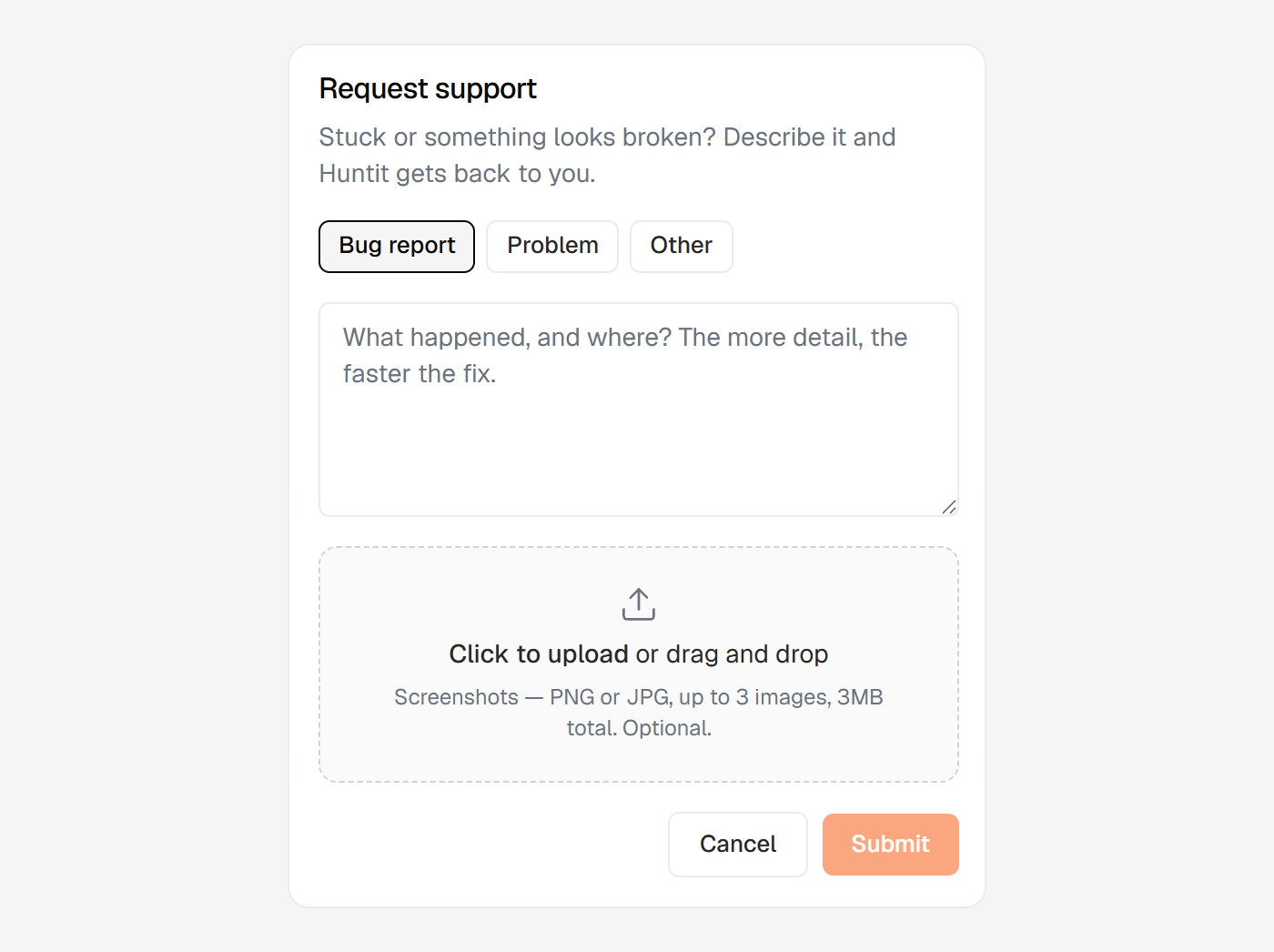
When something looks broken or you are stuck, open Request support from the sidebar. Describe what happened and where, and we get back to you.
Before you send a ticket, check Something looks wrong — start here. Many states that look like faults are designed, and that page routes the common ones to a fix you can do yourself.
What to include
Pick a type — Bug report, Problem or Other — then write the detail. The more specific you are about what you did and what you saw, the faster the fix.
You can attach up to 3 screenshots (PNG or JPG, 3MB total). They are optional, but a screenshot of the exact state usually explains more than a paragraph. Use demo or sanitized views where you can.
How replies arrive
Support runs by email. When you submit, an acknowledgement email confirms we have it, and our replies come back to your inbox.
There's no live chat, by design.
What support covers
Support is for product issues and getting unstuck: bugs and broken behaviour, setup and configuration help, documentation questions, outages, and finding out why something failed.
It doesn't cover custom strategy or creative consulting, one-off feature builds, or bespoke workflow redesigns. Huntit is one product for everyone, so those sit outside support.
Ideas for new functionality belong in sharing feedback instead.