Adding your organization's logo
Your logo brands two surfaces: your sidebar, and the header of every report you share.
You set it during first-login setup, and it can be changed or removed anytime in Settings → Organization.
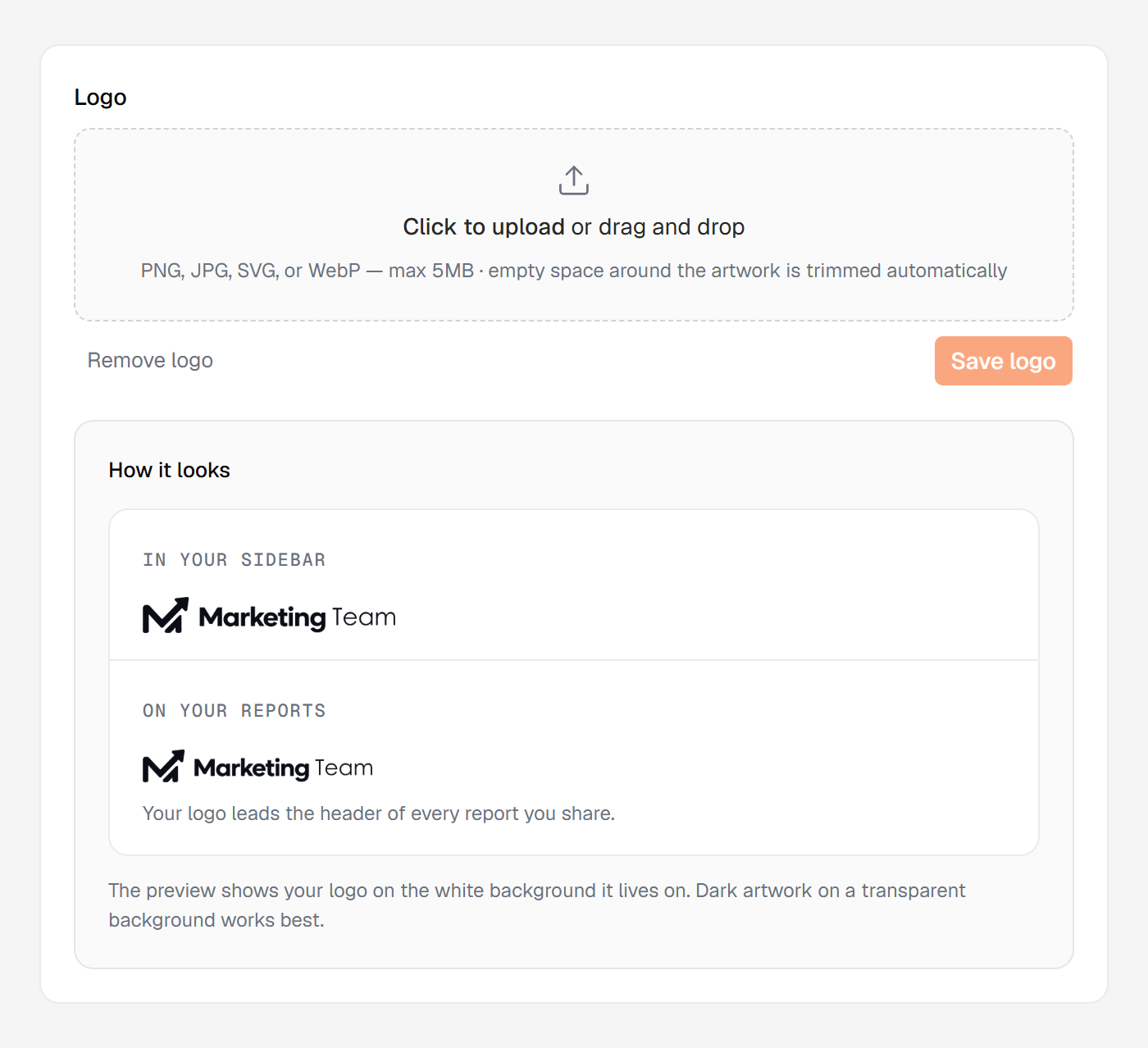
Dark artwork on a transparent background works best
The logo step and Settings → Organization both show a live How it looks preview on white — the background your logo lives on. A white-on-transparent mark disappears on white, and the preview catches that before anyone else sees it.
Formats and sizes
PNG, JPG, SVG, or WebP, up to 5 MB. Empty margins around your mark are trimmed automatically, so it sits at a consistent size everywhere.
Changing or removing it
Changing or removing the logo is its own permission. Managers hold it by default, and the owner can change who holds it. Everyone else except a Viewer sees the panel and the current logo.
A new logo reaches your sidebar and every report header immediately, including reports you've already generated.
Remove it and your organization's name appears as text instead; re-uploading restores it.