Picking the comment depth
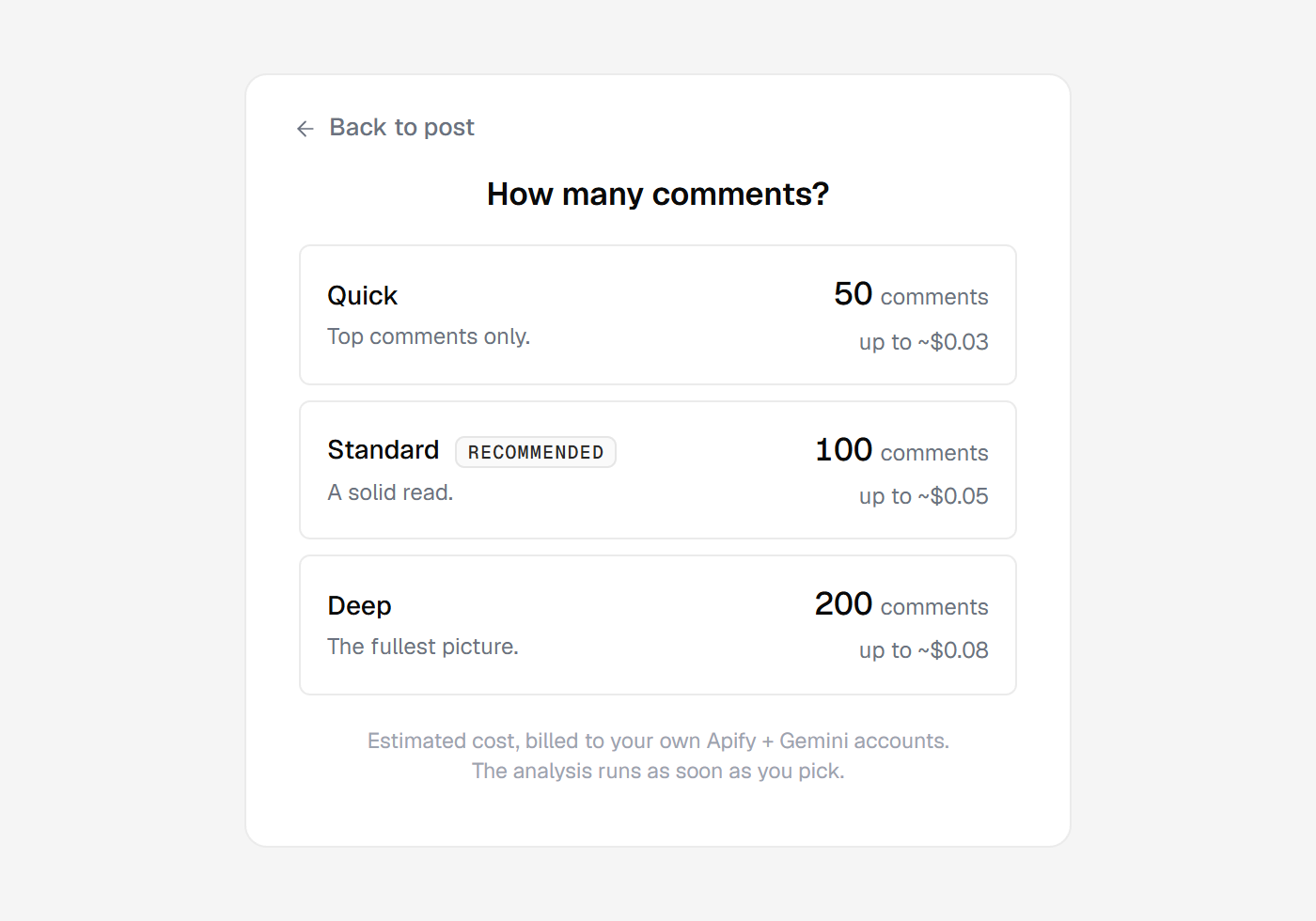
Every time you run comments intelligence, Huntit asks how many comments to read before it starts. The modal swaps to a "How many comments?" panel with three options:
- Quick — 50 comments. Top comments only.
- Standard — 100 comments. A solid read.
- Deep — 200 comments. The fullest picture.
There is no pre-selected default. Clicking an option is the trigger — the run fires the moment you pick, with no separate confirm button. A ← Back to post leaves without running.
Why it asks every single run
A comments run costs real money: the comment scrape is billed to your Apify account, the analysis to your Gemini account.
Because every run is billable, Huntit never silently reuses a previous choice. Even a re-run routes back through this panel, so you pick deliberately each time and no default can quietly rack up cost.
Each option shows an honest "up to ~$X" estimate right on the button — the exact comment-scrape cost plus the estimated analysis cost.
That scrape cost varies by platform, so the same 200 reads a different price on a Facebook post than on a TikTok one. The panel always shows the figure for the post in front of you, and the footer says where it lands: "Estimated cost, billed to your own Apify + Gemini accounts."
Not the same "depth" as a profile's
One thing to keep straight: these 50 / 100 / 200 options set how many comments to read, and you pick per run. The History depth at add-profile time also reads 50 or 100, but those count a profile's past posts, not comments.