Agency view vs client preview
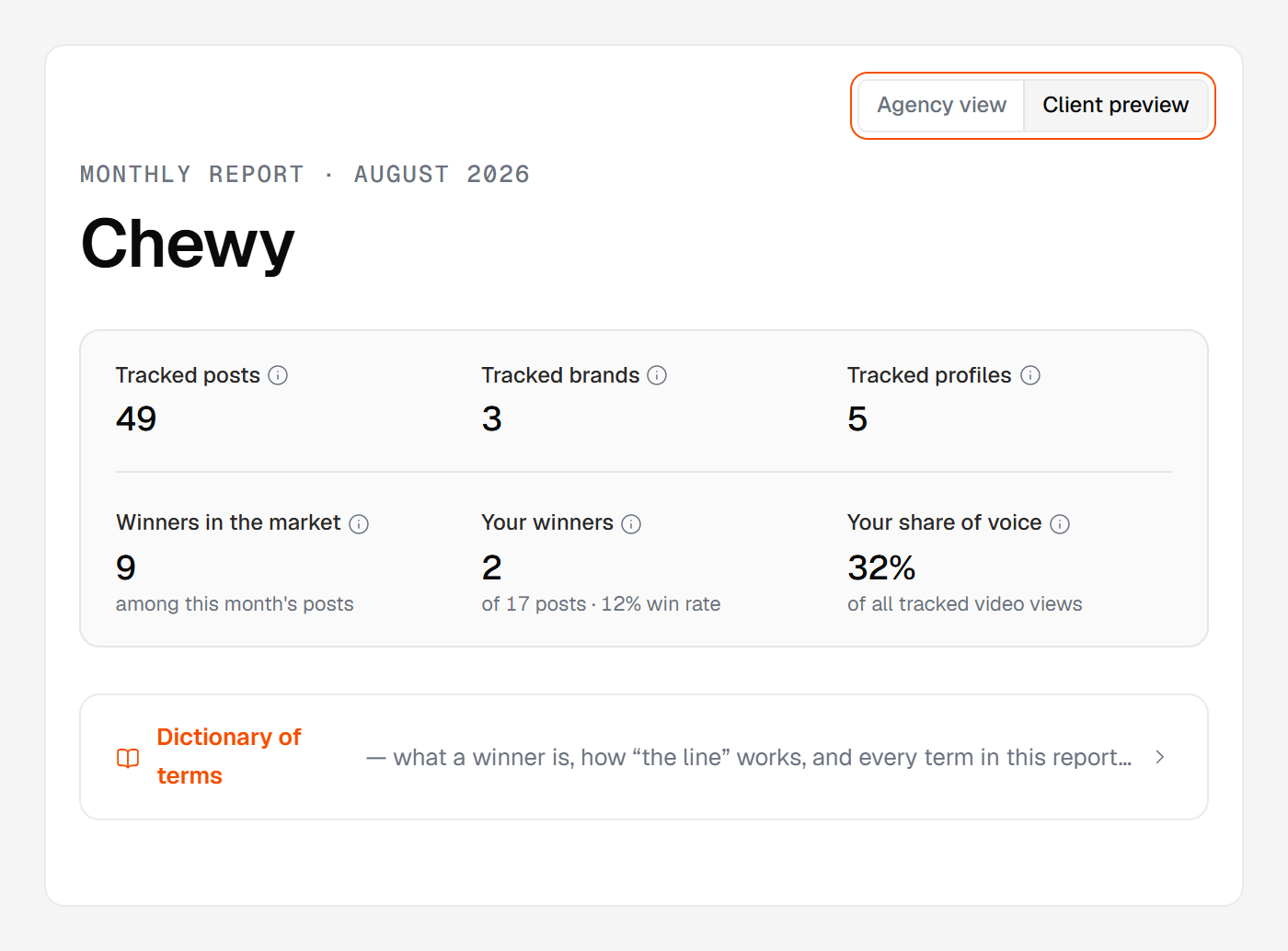
Every open report has a lens toggle in the top-right: Agency view and Client preview. It's one report rendered two ways — same sections, same numbers, never a different figure. What changes is who the copy speaks to and which instruments show.
Agency view
The default in the app. The copy speaks to you, about the client: "the client's market", "Client-owned winners".
The links back into the app are live here — a post opened from the report carries an Open in Huntit button that jumps to the full record. The client-education Dictionary stays hidden, because you don't need it.
Client preview
One click away, and it matters: Client preview is pixel-for-pixel what your client opens at the share link.
The copy switches to the client-reader register — "your brand", "your market" — the built-in Dictionary appears, and those links into your app become inert, client-safe forms.
It's also where a translation gets proofread. A client set to their own language reads their report in it, and this lens is the only place you see that version — the agency view stays English, like the rest of the portal.
So read the client lens before you send. It's your check on exactly what they'll open: the same body the private share link renders.
The built-in Dictionary
Every client copy carries a Dictionary of terms — a wide toggle line right under the cover scorecard, client lens only. It opens four short chapters, ordered simplest to finest, so a client can stop reading the moment they know enough: how the report works, winners and "the line," how each post is read, and the small print.
This is where your client learns the vocabulary without asking you. One wondering what a "winner" is finds it in plain words: a top performer, a post in the ⭐ top 10% or 🔥 top 20% of what that profile usually achieves.
The client-reader words are their own register by design. What you call a threshold in the app, the client's Dictionary calls "the line" — the same idea, translated once for the reader. The client self-serves, and you don't field vocabulary questions.