Adding your agency logo
Your agency logo brands two surfaces: your sidebar, and the header of every client report.
You set it during first-login setup, and it can be changed or removed anytime in Settings → Agency.
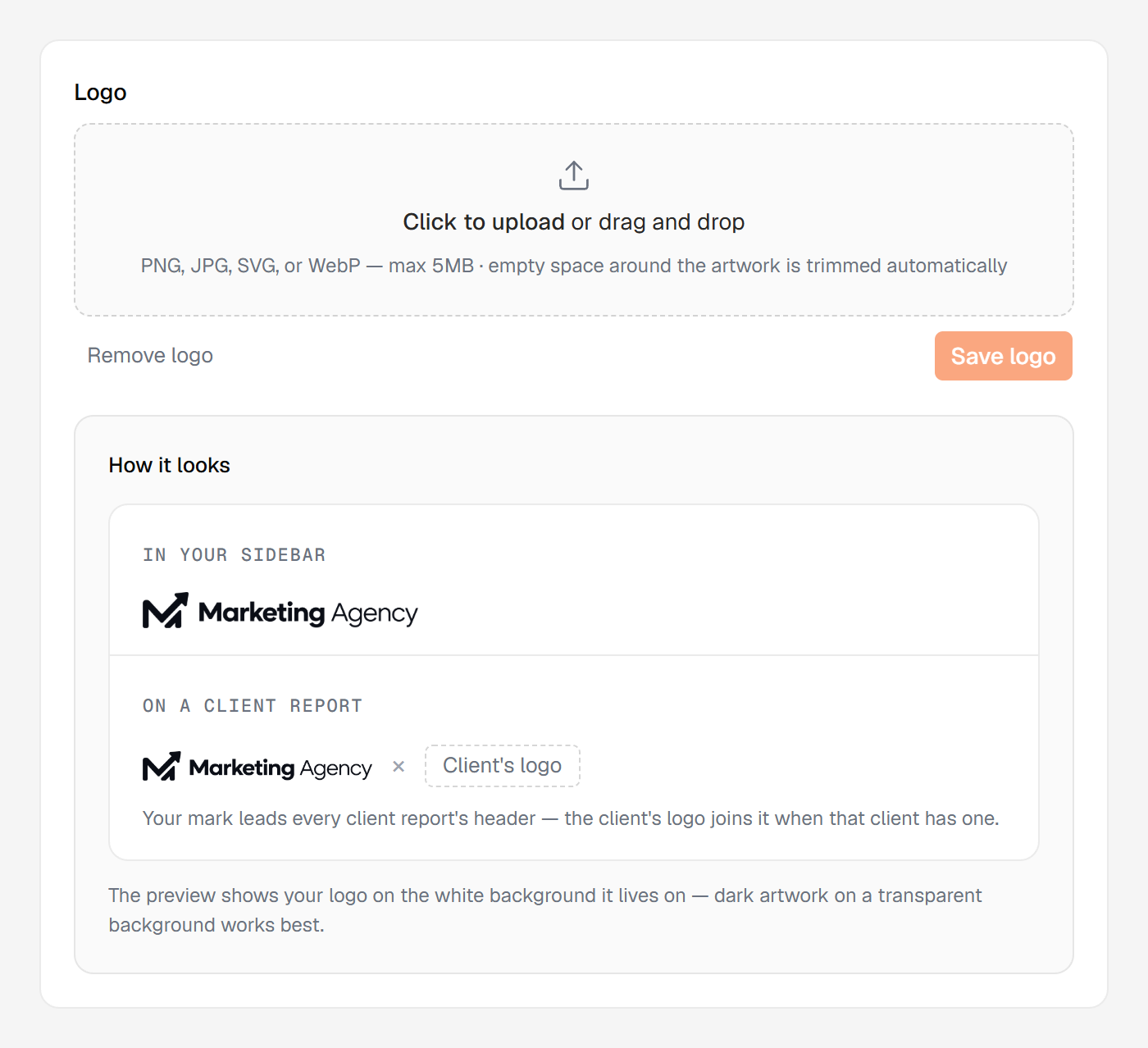
Dark artwork on a transparent background works best
Both surfaces show a live "How it looks" preview on white — the exact background your logo lives on. It's a check, not decoration: a white-on-transparent mark disappears on white, and the preview catches that before your client ever sees it.
Formats and sizes
PNG, JPG, SVG, or WebP, up to 5 MB. Empty margins around your mark are trimmed automatically, so it sits at a consistent size everywhere.
Changing or removing it
Changing or removing the logo sits behind its own permission, granted to managers by default, so your owner decides who holds it. Everyone else sees the panel and the current logo.
A new logo reaches your sidebar and every report header immediately — including reports you've already generated, because the logo is read live rather than baked in.
Removing it is low-stakes: your agency name appears as text instead, and re-uploading restores it. No logo is legitimate branding, not unfinished setup.
Agency logo vs. client logo
This is your agency's mark. A client's logo is separate, set per client, so their report co-brands as your agency × their brand — and a client without one shows their own brand's profile picture there.