Get your YouTube Data API key
The YouTube key is the easy one: free within a daily quota Google resets on its own, so there's no deposit, no plan, and no billing step.
Enable the API and create a key
Go to console.cloud.google.com. The same Google account as your Gemini key is fine.
Everything happens in APIs & Services. In Library, search for "YouTube Data API v3" and enable it for your project.
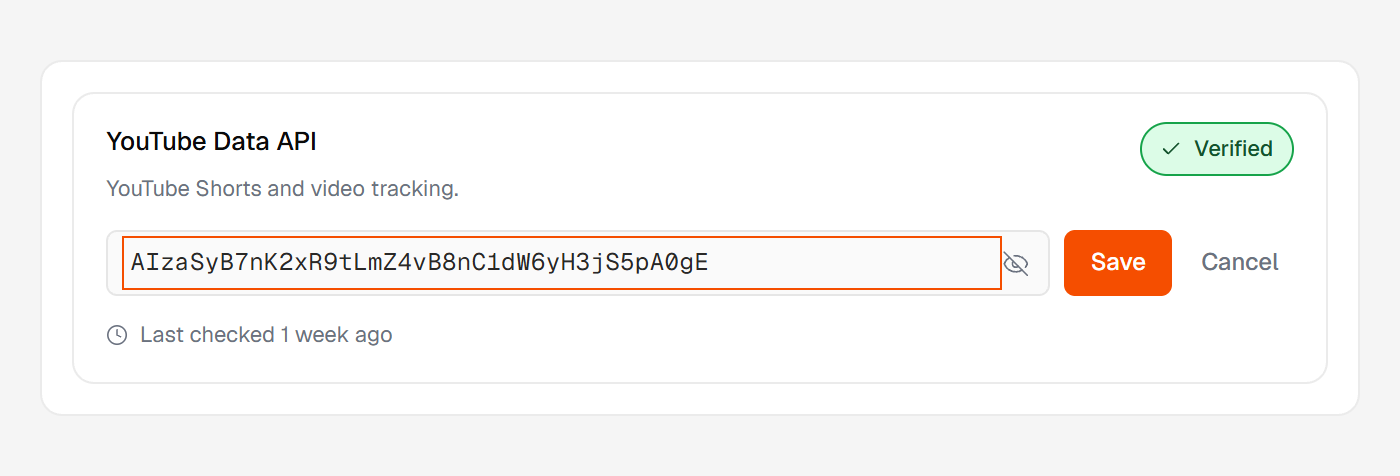
Then in Credentials → Create credentials → API key, name the key and pick YouTube Data API v3 under the APIs it can access. Copy it and paste it into Huntit.
No billing, and the quota is generous
With nothing to fund, Huntit only checks that the key works. It's also why YouTube isn't among the billing dashboards on the usage costs panel — there's nothing to pay.
Google's free daily allowance is large, and most agencies never come near it.
If a day's allowance runs out, the busiest profiles pause until the next day — nothing to replace, nothing to fix. The one case that needs you is a refused key; both are covered in the provider alert bells.