Your first client, brand, and profile
After setup, you build your first chain in order:
Client → the client's own brand → its first profile
Each level needs the one above it, so you can't skip a step.
The first time you're in the app, a guided tour walks the chain with you: it points at the next real move on the actual forms and follows along as you do it.
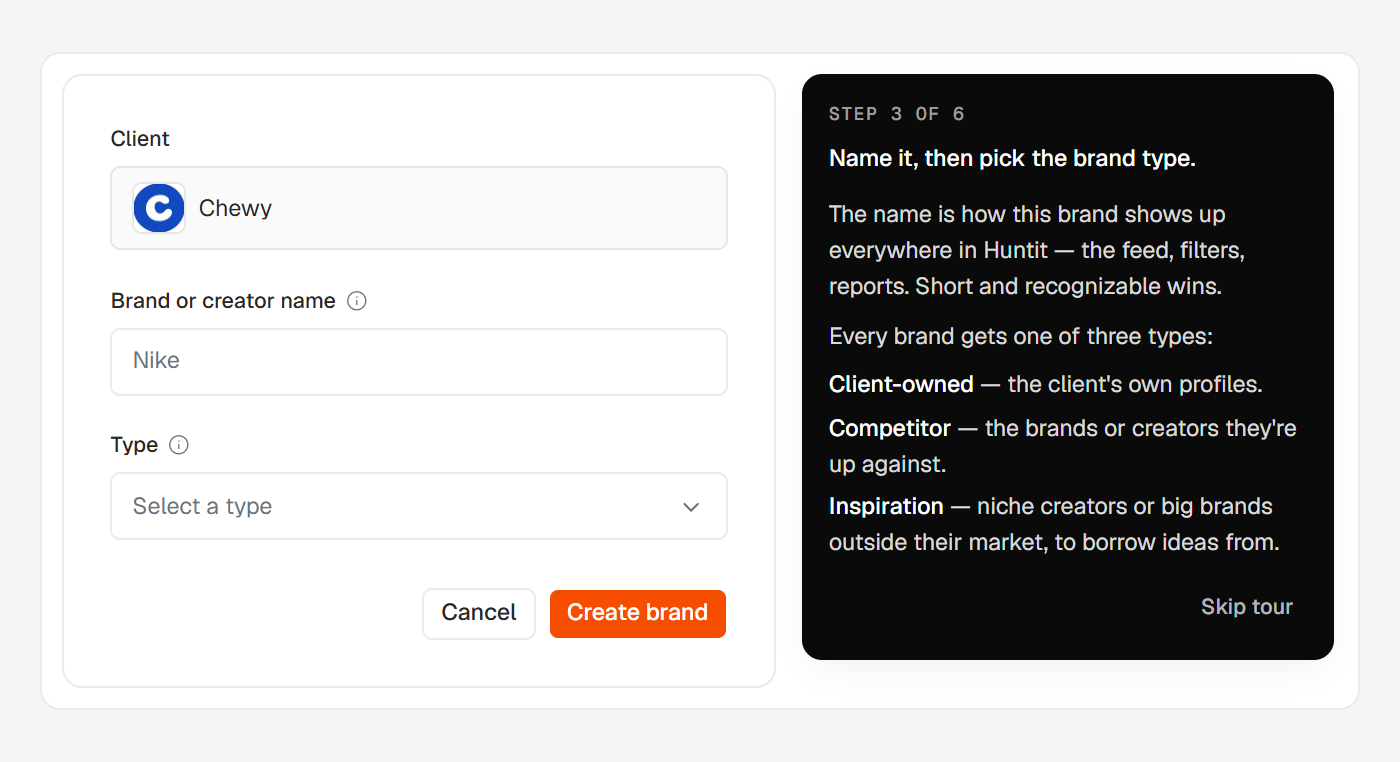
The three steps
- Add the client — the company you run marketing for.
- Add their own brand — first, deliberately: it's what lets reports measure the market against your client.
- Add the first profile — one account on one platform, the thing Huntit actually tracks.
The tour then runs a second round adding a competitor, which teaches by doing that a competitor is just another brand under the same client. Adding one is the best use of the 30–60 minute collection wait.
Relaunching the tour
Until you’ve added your first client, the empty posts feed carries a "Show me how" link beside its main button, which restarts the same guided motion.
The tour never overlays or locks the page — every screen stays clickable while it runs, and it ends quietly on the posts feed. If you wander off the guided flow mid-tour, a small "Tour paused" card offers Go back or End tour.